
Module · Zero-install interface
Chat on WhatsApp
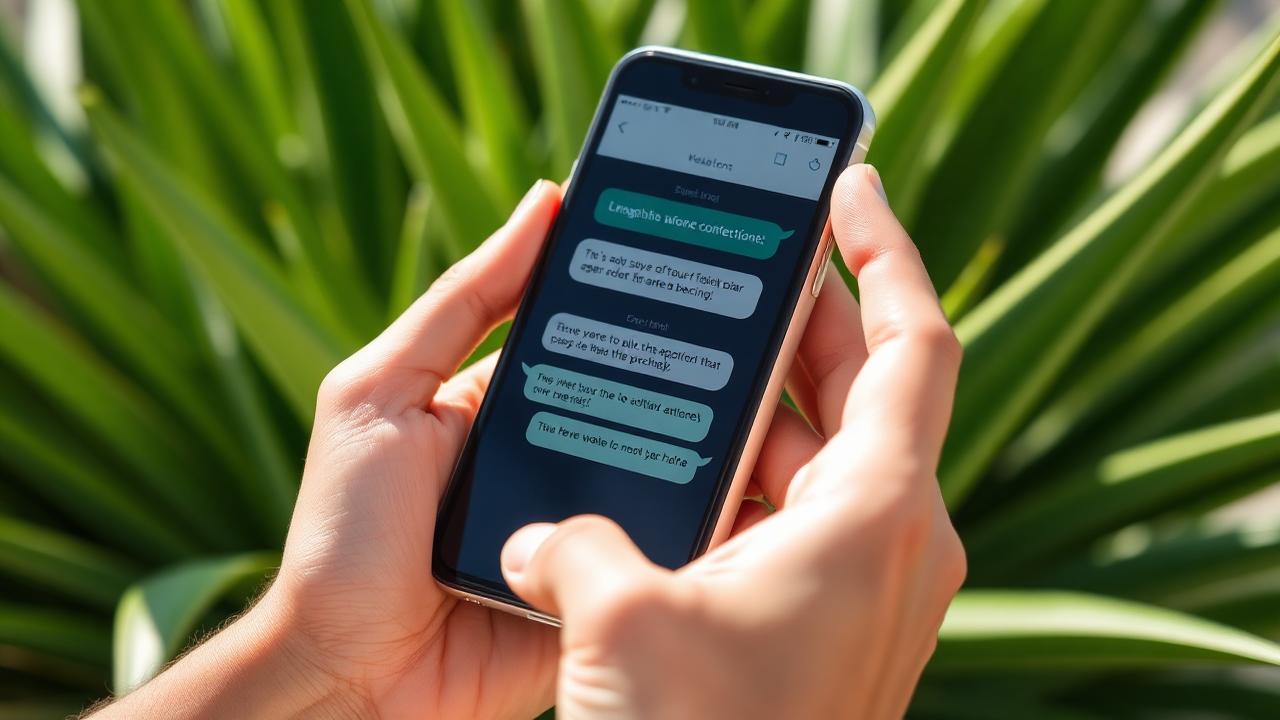
You do not need to learn a new app. GoBuddy lives inside the chat app you already use: you write to one number, and the buddy, the time and the reminders come back as messages. Everything between you and your buddy runs through a privacy-conscious relay, so neither of you ever sees the other's phone number.
How it works
Step by step
- 1
Send the first message
Tap the button below to open a chat with +34 662 542 538. Any greeting works — GoBuddy replies with a short set of options.
- 2
Answer three questions
What you want to do, when you are free, and roughly where. That is your slot — no forms, no signup screen.
- 3
Get your match in the chat
When a buddy is found you get an alias, the activity and the time. Reply YES to confirm, or NEW for another suggestion.
- 4
Message your buddy privately
Messages are relayed through GoBuddy, so numbers stay masked. You also get the T−10 reminder and the completion summary in the same thread.
Example
What the conversation looks like
You: Hi GoBuddy, I'd like to try it
GoBuddy: Welcome! What do you feel like — 1 Run · 2 Walk · 3 Bodyweight heat?
You: 3 — tomorrow around 18:00, Oslo Grünerløkka
GoBuddy: Matched with “SwiftPine”, tomorrow 18:15, 15-min heat. Reply YES to confirm.
You: YES
GoBuddy: Locked in. I'll ping you both 10 minutes before.
Good to know
- Nothing to install — WhatsApp is the whole interface.
- Your number is used only to reach you; buddies see an alias.
- Reply STOP at any time and messaging ends immediately.
- You can switch to the web app later; it is the same account.